Frustrations with MacOS and Apple Journal
Lets get this out of the way; I like Apple Journal on iPhone. It’s pretty, works well (mostly), and it’s suckered me into writing every day. But it being iOS only made it a no go for me, until in 2025 Tahoe and the MacOS app was released. This was a year and a half after it rolled out on iOS. That’s a long wait!
So this post is about the MacOS version. And how, if it was good, this post wouldn’t exist.
Design
Apple and it’s legendary design. The Journal app was released with MacOS26 Tahoe. Tahoe started with a pretty luke-warm reception, which has only gotten colder as time has gone on. From the broken column view, to the crappy icons, to the window resizing issues, to the crazy number of different corner rounding, Tahoe hasn’t really followed in the footsteps of the many years of great, thoughtful, and thorough design choices and implementations. It’s been a mess. And that mess certainly extends to the Journal MacOS app.
Weird UI problems
Initially, all looks good. Sure, it’s Liquid ass Glass but it’s clean and simple and looks fine.
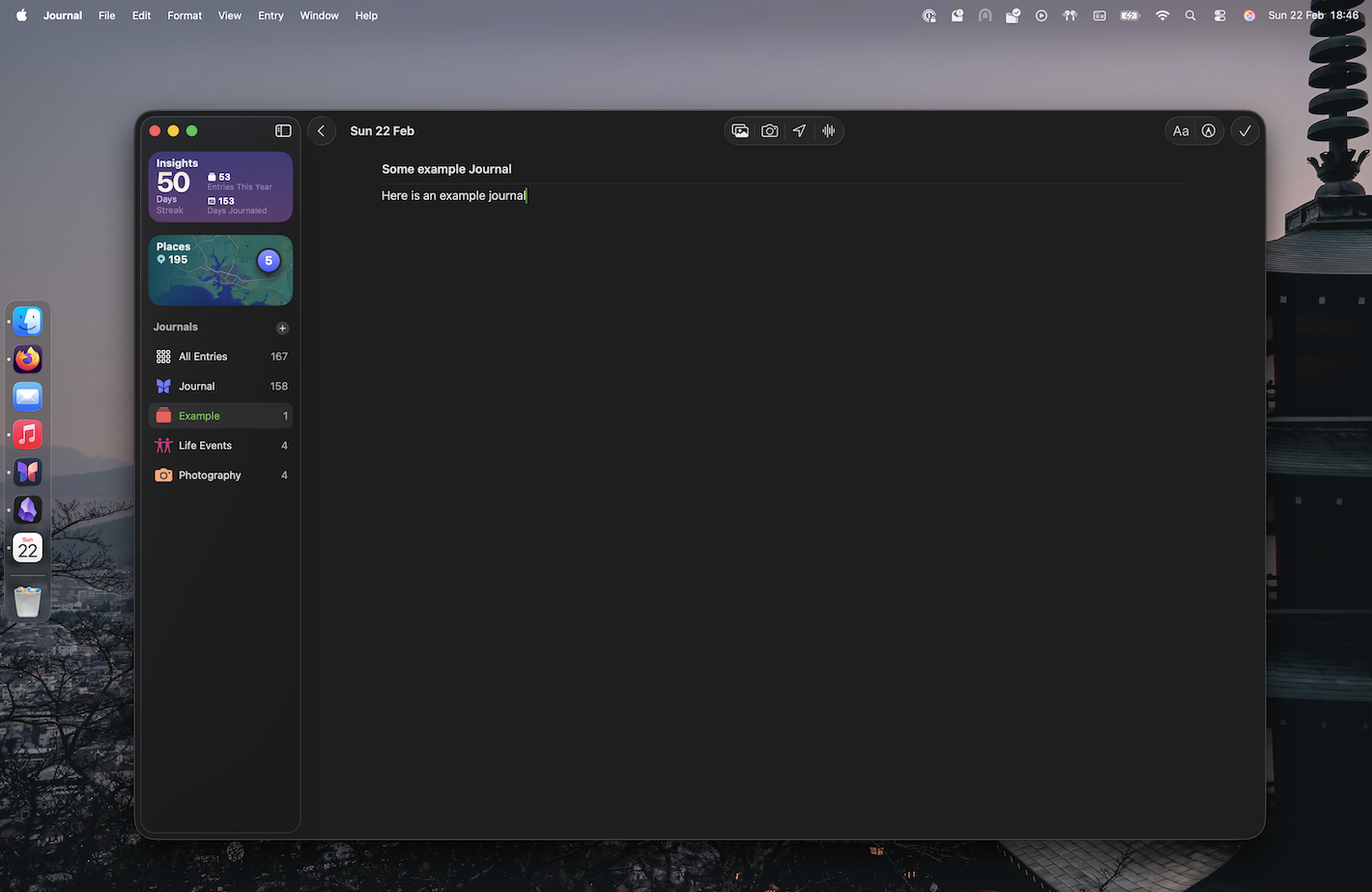
Full screen however:
 What on earth is up with that black bar at the top? It’s just… there? Why? The search bar didn’t need this previously? Why now?
And it’s ONLY there on the List View. Not when reading or writing an entry.
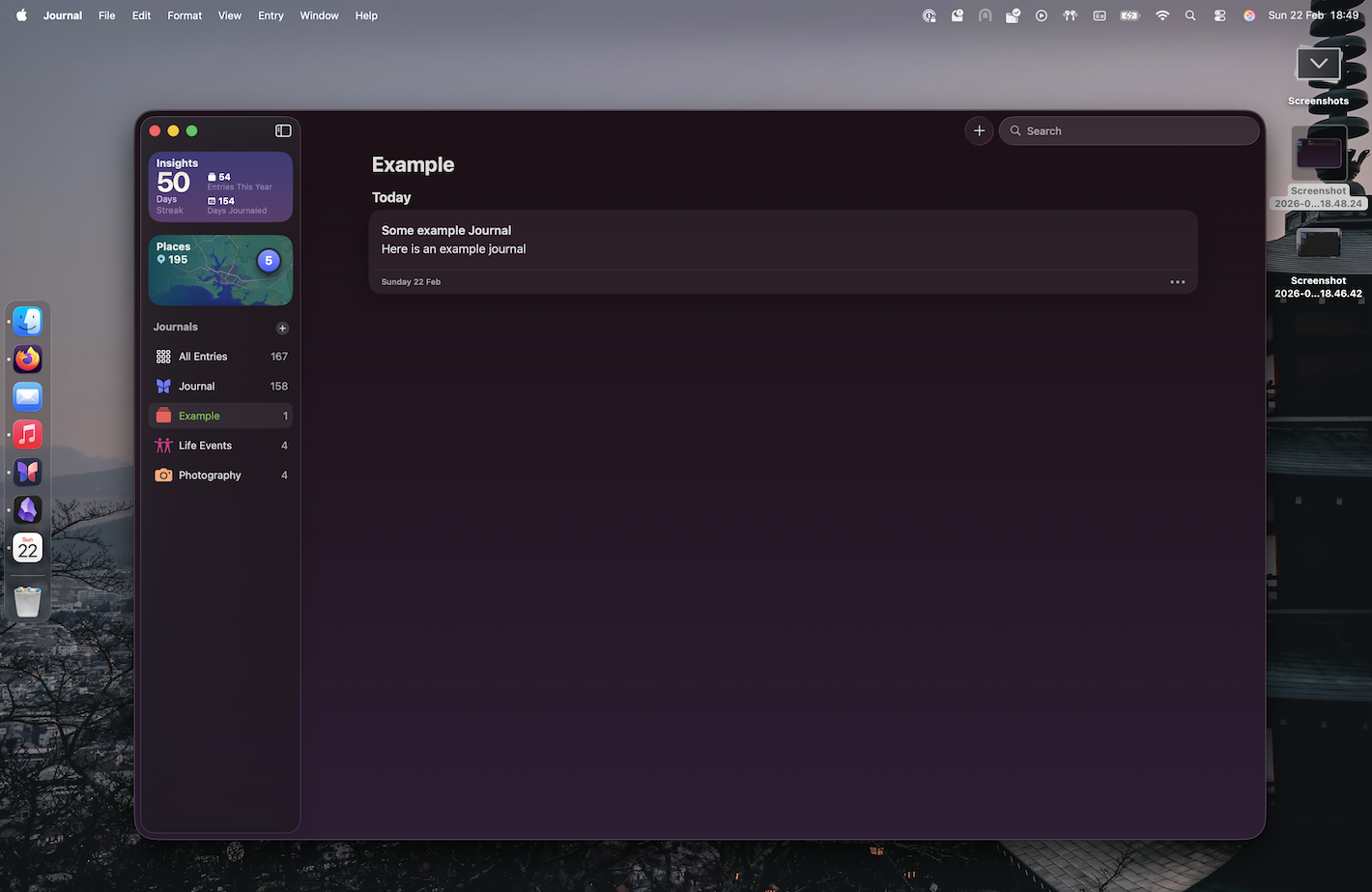
Here’s that same view when not full screen:
Editing mode however doesn’t get off totally free - there’s this weird lighter grey box located in the top left corner:
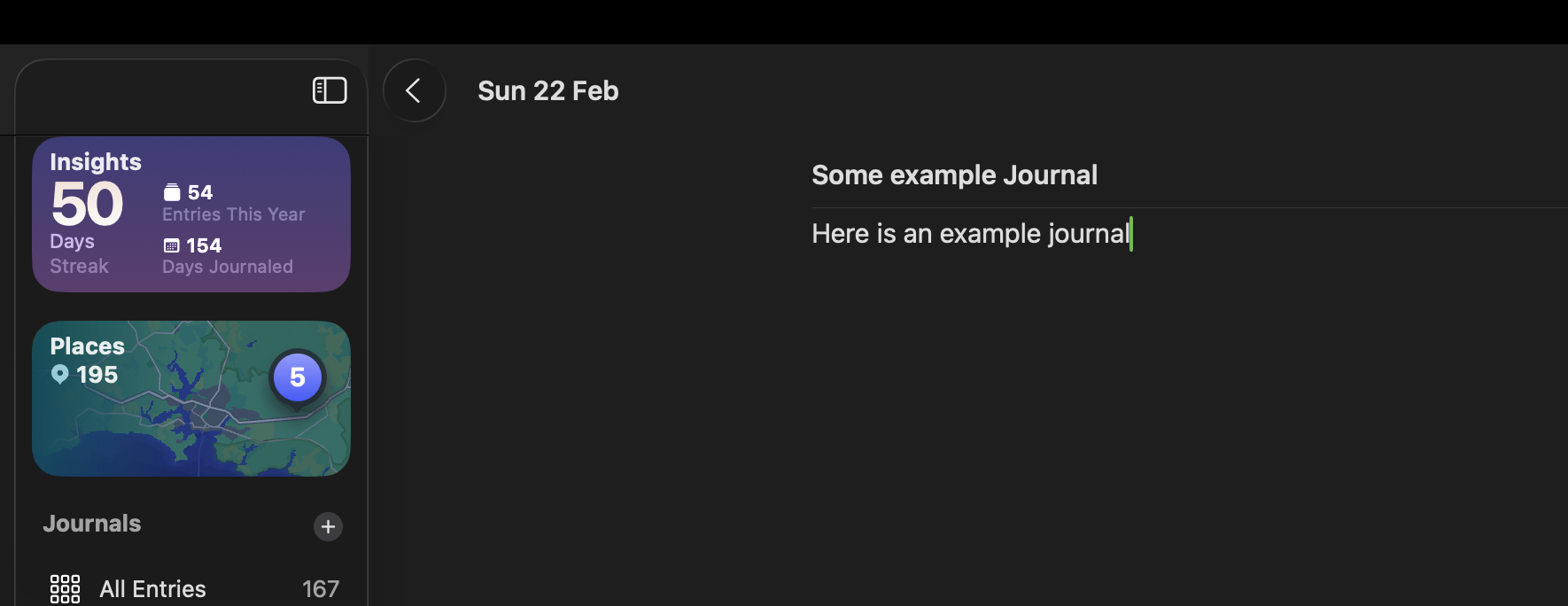 How was this allowed?
I honestly don’t understand how any designers at Apple looked at that and went “Yep, ship it”. It’s so obviously a mess.
Feature parity with iOS
For some reason, the MacOS version is also missing a load of features. You can add photos, location, and so on. Good stuff. But want to add music? iPhone only. Want to add a work out? iPhone only. The list goes on.
Adding a link is also a mess. Though, this is only semi supported on iPhone too; there you can only add a link via the Share button in Safari. Not while writing, or within the app. What an interesting product choice. One that I don’t really follow or understand.
I guess this can all be hand waved away as “they’ll bring more features over time”. Maybe? Honestly I’m not holding my breath.
Writing experience
The writing experience mostly ok… Until it isn’t. For some odd reason if you’ve got a lot of text on a page it starts to slow down and freak out if you hit the undo button. Sometimes it’ll wipe whole blocks of text when undo. Other times, just the last few words. If you slam the “redo” after a whole block has disappeared, it’ll think about it for a second or two, and then it’ll reappear. We’re in 2026; a text editor slowing down and having issues with undo/redo is not ok. It’s amateurish, and should have easily been spotted in QA.
What is going on within the halls at Apple? Are folks just vibe coding these things and not actually using them?
The nit-picky
Now we’re onto the pedantic items! Lets rattle these off:
- When creating a new journal, the keyboard isn’t focused on the title, even though the cursor looks like it is
- Doesn’t support Markdown - though most Apple stuff doesn’t
- It’s also generally lacking Heading and Subtitle etc.
- Constantly refreshing places on the side bar which is a constant distraction when writing
- (see below for a GIF of this in action)
- Weird scrolling lag when looking through your entries
- Syncing is confusing and random. Can sometimes take hours for an entry to appear on MacOS from the iPhone, and vice versa
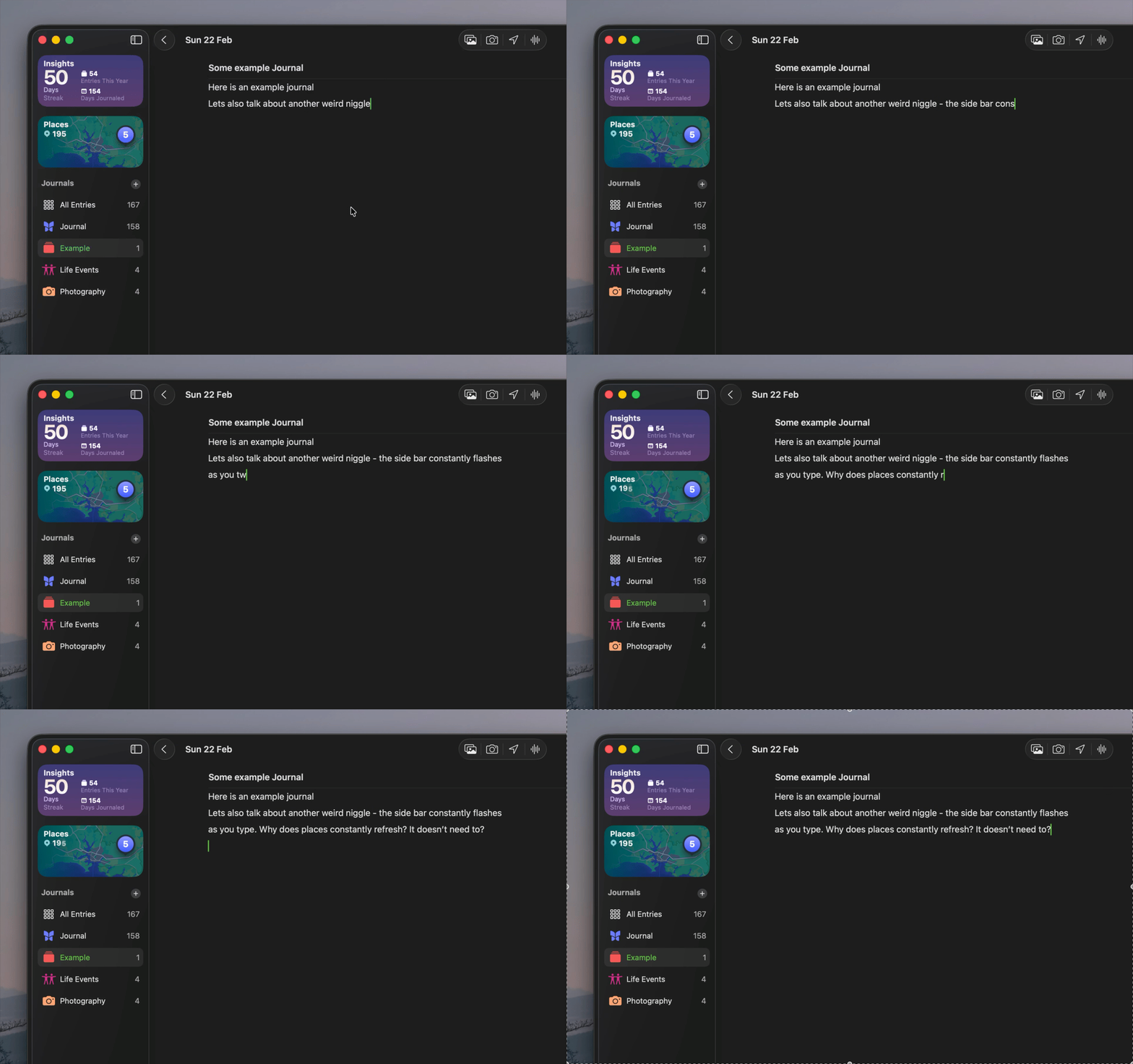 (I’m also very aware of how often I was miss spelling things 😅)
There’s probably a load more that I’ve forgotten about, or have yet to come across.
Apple Journal is hard to love
I really like Apple Journal. It does a lot of things right, from the simple interface, the ability to add content that’s relevant (music, photos etc), and there’s even a data export option.
It’s why it’s so frustrating that Apple, the company that’s supposedly obsessed with design, has made some very weird bad choices with MacOS Journal. I would love for them to fix them. And actually test them. But Apple’s track record with this kinda of “extra app” hasn’t been great over the last few years. So I’m not holding my breath. But I will plead:
Please Apple, fix Journal on MacOS.